Micromegas
Unified Observability — Logs, Metrics, Traces
Open-source, high-performance observability platform. Instrument once, query everything with SQL. Cost-efficient storage on S3/GCS/Azure.
How It Works
From instrumentation to visualization in four steps.
Instrument
Drop-in tracing for Rust and Unreal Engine.
20ns per event, up to 300k events/sec
Ingest
HTTP ingestion service stores everything.
Metadata in PostgreSQL, payloads in S3/GCS/Azure
Analyze
Query all telemetry with standard SQL.
Apache DataFusion engine via FlightSQL
Visualize
Interactive notebooks, Grafana, Python.
Multiple ways to explore your data
Why Micromegas
Built from the ground up for high-frequency, cost-efficient observability.
20ns Overhead
Instrumentation so fast you never turn it off. Capture every event in production without impacting performance.
Just SQL
No PromQL, KQL, or NRQL to learn. Full Apache DataFusion SQL across all your telemetry data.
Object Storage Pricing
Raw data lives on S3, GCS or Azure — orders of magnitude cheaper than proprietary observability vendors.
Unified Data Model
Logs, metrics, and traces stored together and queryable in the same SQL query. No context switching.
Self-Service & Shareable
Web interface designed for exploration. Share any view by copying the URL — state encoded right in the link.
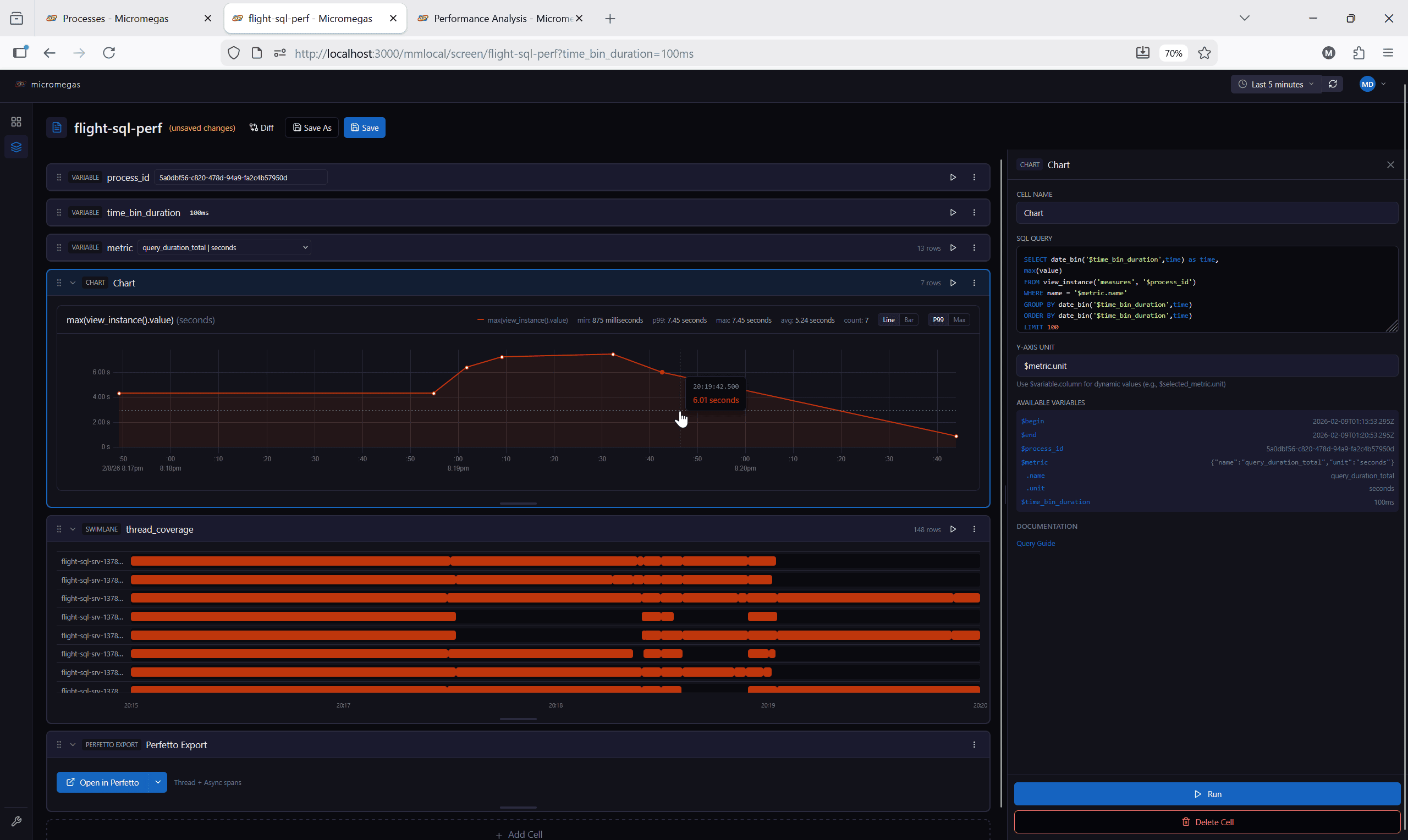
Analytics Notebooks
One of the ways you interact with your data — interactive notebooks that combine SQL, charts, and exploration.
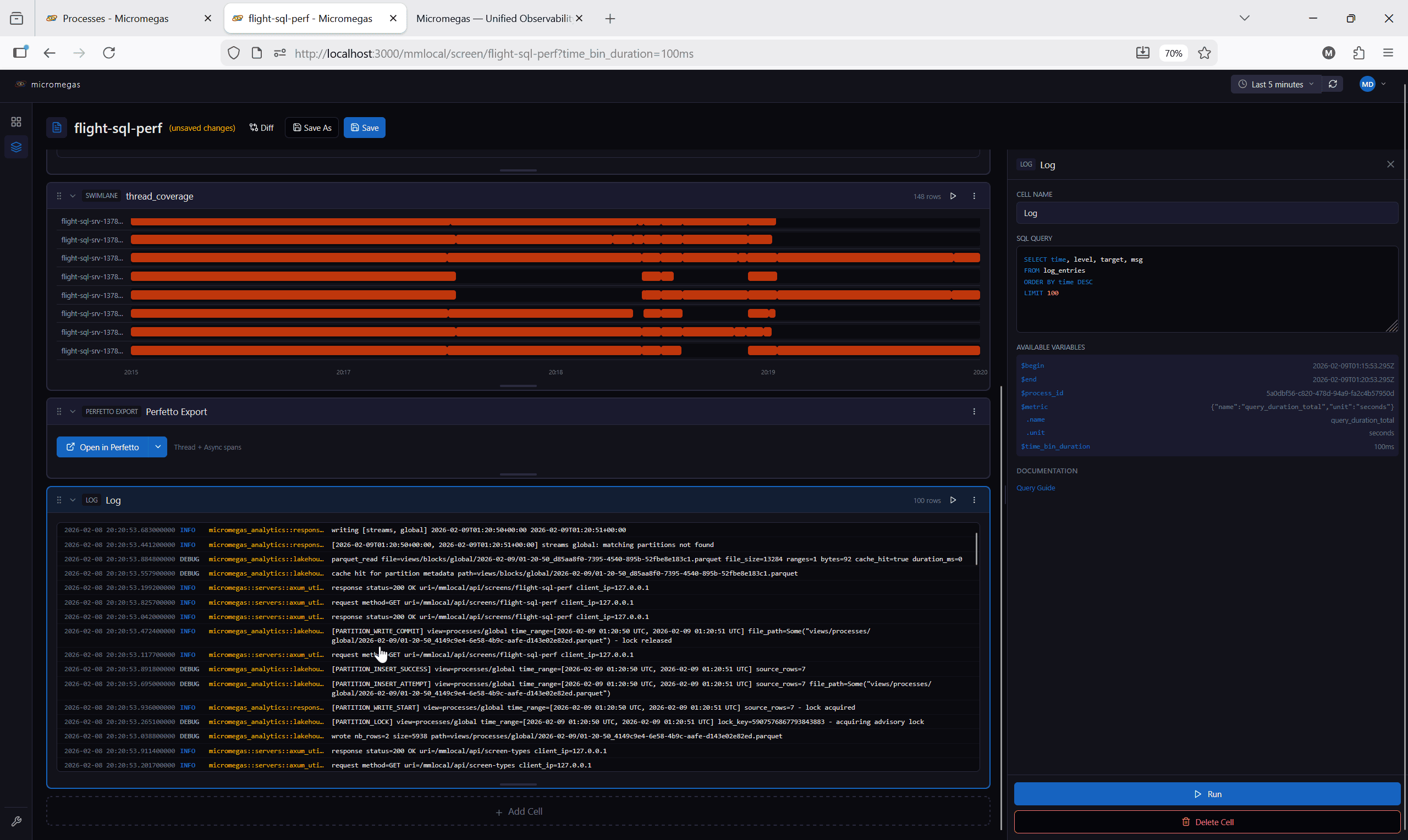
Metrics and logs, side by side
Correlate thread coverage swimlanes with log entries in the same notebook — no context switching.
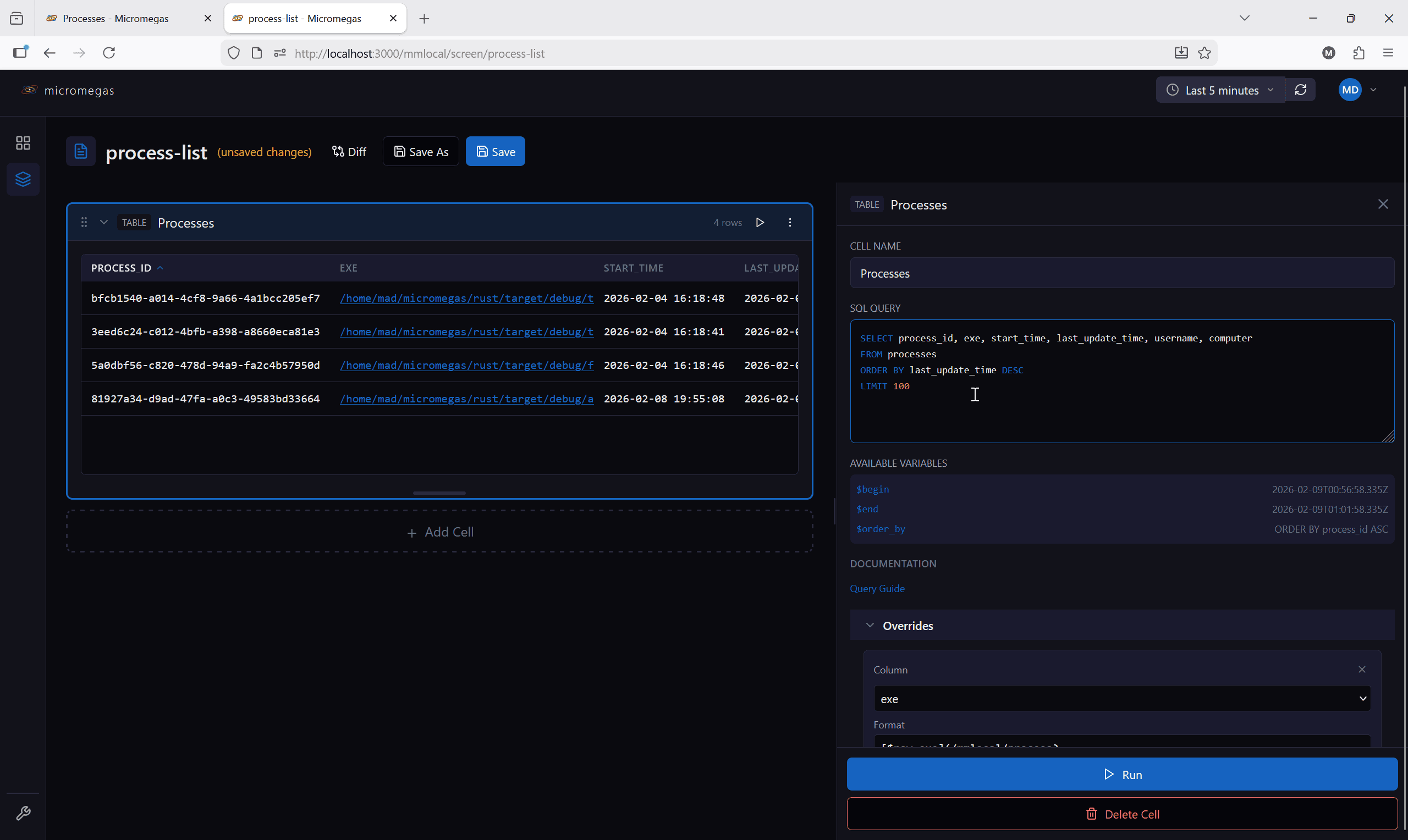
SQL Cells with Syntax Highlighting
Write and run SQL queries directly in the notebook with full syntax coloring.
Multiple Cell Types
Charts, tables, log viewers, swimlanes, variables, and markdown — all in one notebook.
Drag-to-Zoom
Select a time range on any chart and the entire notebook updates to that window.
Share by URL
Notebook state is encoded in the URL. Copy and paste to share any view with your team.
Integrations
Multiple ways to access your telemetry data — from interactive notebooks to programmatic APIs.
Analytics Web App
Interactive notebooks for exploration and investigation. SQL cells, charts, tables, and log viewers in a shareable interface.
Grafana Plugin
Native Grafana data source for building dashboards. Query your telemetry data alongside other Grafana sources.
Python API
Programmatic access via Arrow FlightSQL. Build custom analysis pipelines with pandas, polars, or any Arrow-compatible library.
FlightSQL Protocol
Standard Apache Arrow FlightSQL protocol. Any compatible client can query your data — no vendor lock-in.
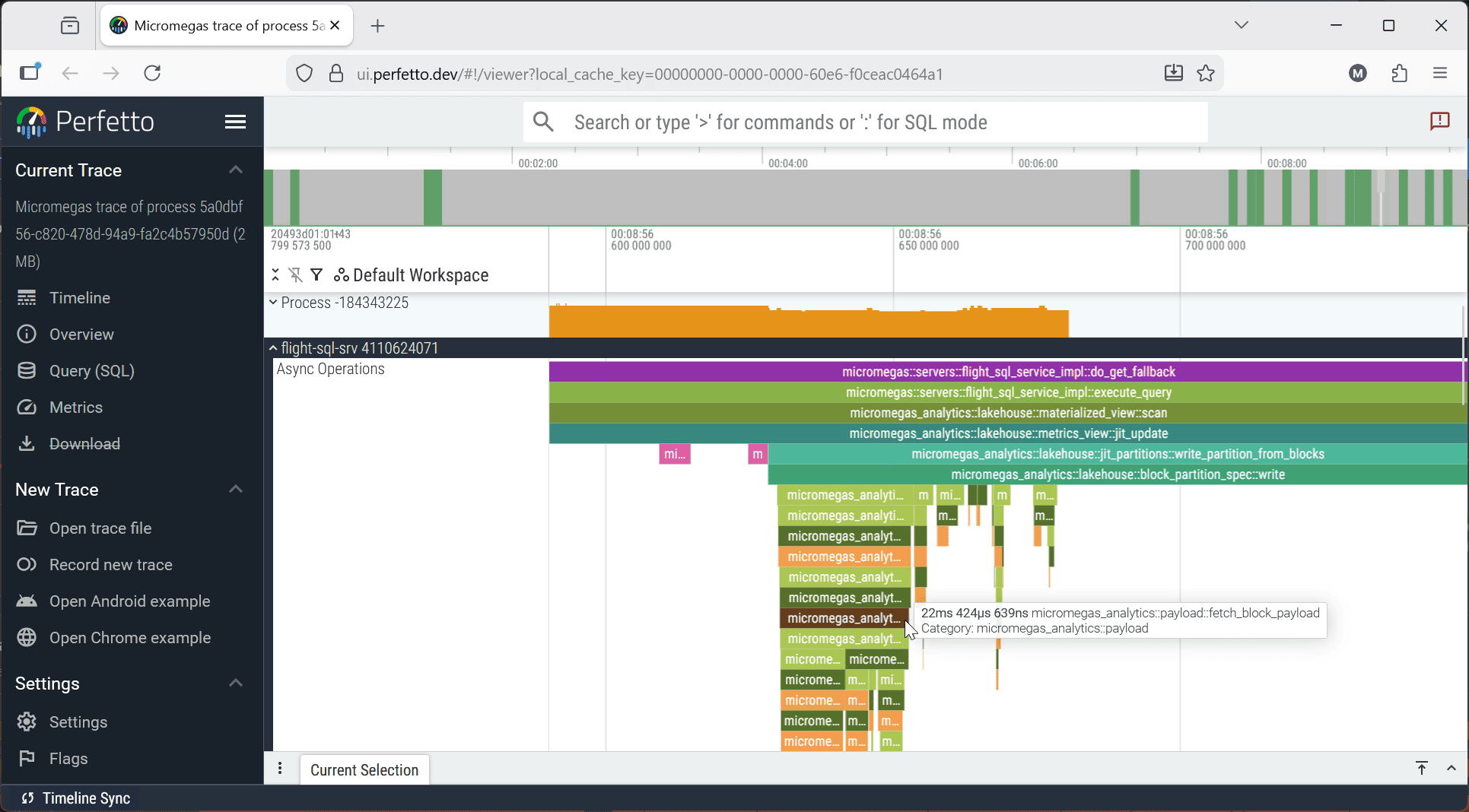
Export traces to Perfetto
One-click export from notebooks into the Perfetto trace viewer for deep span analysis.